Opening surveys for glazing and fabrication
Record opening geometry, holes and site context for glazing and fabrication workflows using GrandVerify on iPhone and iPad.
Capture more than overall width and height
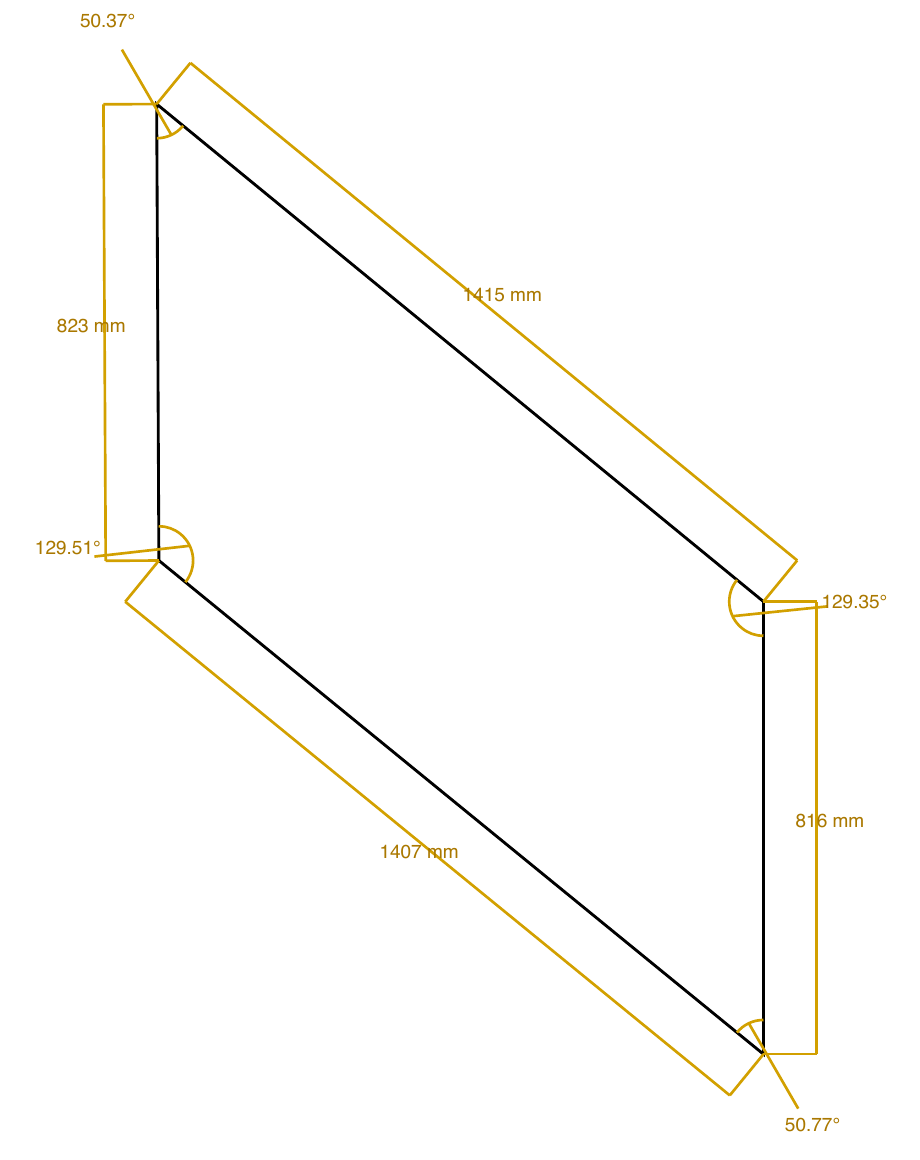
Record the measured opening geometry and the position of holes or cut-outs. Angled and circular openings need a clear record of their shape and details, as well as their overall size.
Compare the drawing with the opening
Use direct physical measurements to check key dimensions against GrandVerify’s reconstructed geometry. Resolve discrepancies while the opening is accessible and add a photograph for context.
Keep survey and design decisions distinct
Pass the DXF and PDF report to the office as a measured survey record. Your design team still decides glass sizes, tolerances, installation clearances and suitability for the project. GrandVerify does not make those decisions.
See the complete workflow
Read the step-by-step walkthrough or contact support for help.
Available for iPhone and iPad. Free project setup and measurements; Pro required to finish openings and export.
Download on the App Store