Opening verification: check measurements before leaving site
A practical workflow for comparing opening geometry with physical measurements before handing a survey to the office.
Build a record of the opening
Establish the reference lines and enter your site measurements. Connect the measured points to build the opening, including the holes and cut-outs required for your survey.
Take separate physical checks
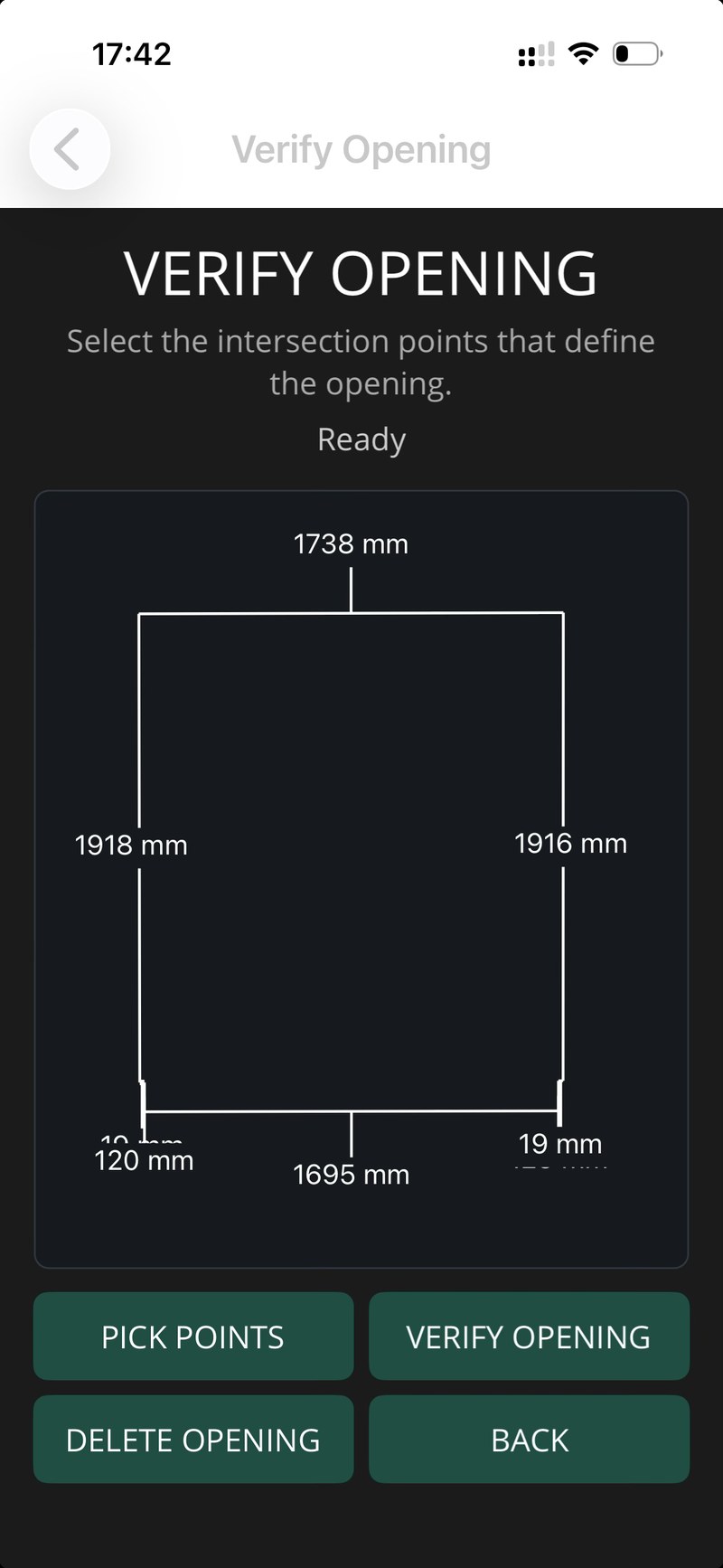
Use the verification stage to compare key dimensions in the reconstructed opening with measurements taken directly on site. Investigate differences while you can still reach the opening.
Record context and hand over
Add the required photograph and prepare the survey documents. The drawing records the geometry; the photograph explains the site conditions. Share both so the office can ask questions before you leave.
See the complete workflow
Read the step-by-step walkthrough or contact support for help.
Available for iPhone and iPad. Free project setup and measurements; Pro required to finish openings and export.
Download on the App Store